Related Podcast Episode
In my previous blog posts, I explored three instructional pathways for providing strong Tier 1 instruction. I encourage teachers to consider using instructional videos when they plan to say the same thing the same way for all students. These videos are especially helpful for content that students need to revisit throughout the year. They also save teachers from spending precious class time reteaching the same concepts to a handful of students who may need it.
The Pushback
When I talk about creating and using instructional videos, especially since COVID, many teachers push back. Some question whether video is truly an effective instructional tool. Others worry about the time it takes to create the videos and whether students will actually watch and learn from them. A third concern centers on “screen time” and the idea of students watching videos while physically in the classroom.
I understand these concerns. During training sessions, I ask teachers to identify barriers that may make it hard for students to access information delivered in a live lecture or mini-lesson. They are quick to identify a long list of potential obstacles, including language barriers, lack of background knowledge, attention deficit, the pace of delivery, and everyday classroom distractions. And that’s assuming students are physically in the classroom. Absences due to illness, sports, school events, or pull-outs may result in students missing the lesson altogether.
Removing Barriers and Rethinking Access
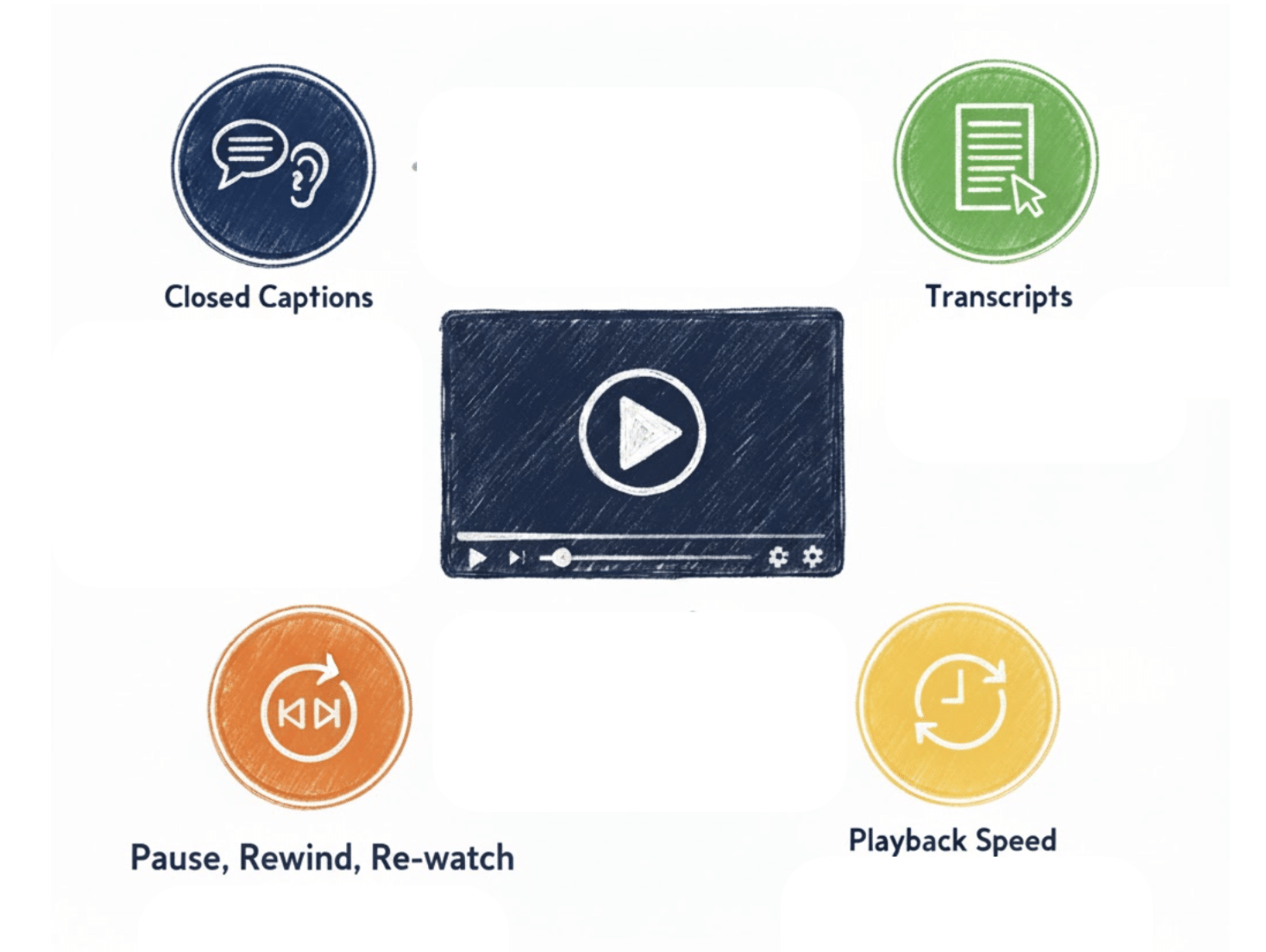
I highlight that videos remove some of these obstacles. Unlike live instruction, videos offer built-in accessibility features. Students can adjust the playback speed, turn on closed captions, and pause, rewind, and rewatch the video. All of these features give students greater control over how they engage with new information, making it easier to access.
That said, I want to echo the concerns about technology isolating students in a classroom. Too often, when I go into classrooms, the work done on computers is individual. I think there is a missed opportunity to engage students around online resources, so I want to share a collection of strategies teachers can use to encourage critical thinking, communication, and collaboration when asking students to watch instructional videos in the classroom.
From Isolation to Connection: 5 Strategies to Actively Engage Students Around Video
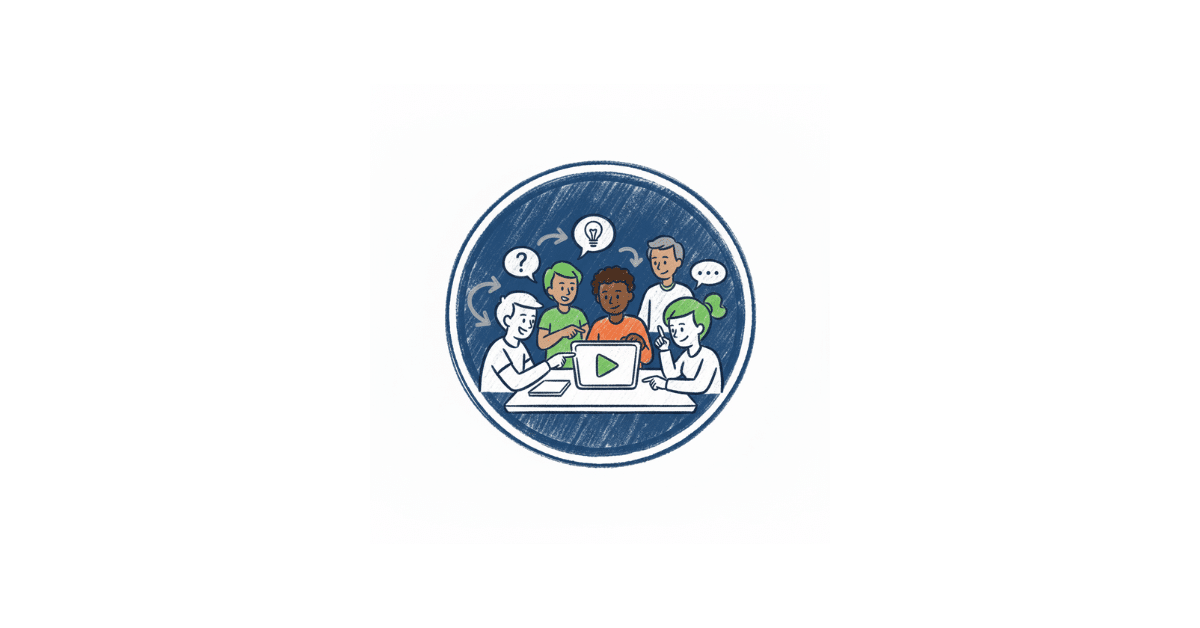
When we shift from assigning videos as individual tasks to engaging groups of students in collaborative tasks while they watch videos (or listen to podcasts), the experience changes completely. Instead of passively consuming information and jotting down notes in a guided note template, students interact with the ideas and each other. They ask questions, make connections, and construct shared meaning. These strategies are designed to transform instructional videos from a solitary experience into a social one. The goal is to deepen understanding, develop communication skills, and build a stronger classroom community.
The following strategies are designed to keep students thinking, talking, and making meaning together as they engage with videos or podcasts.
#1 Reciprocal Teaching with Media
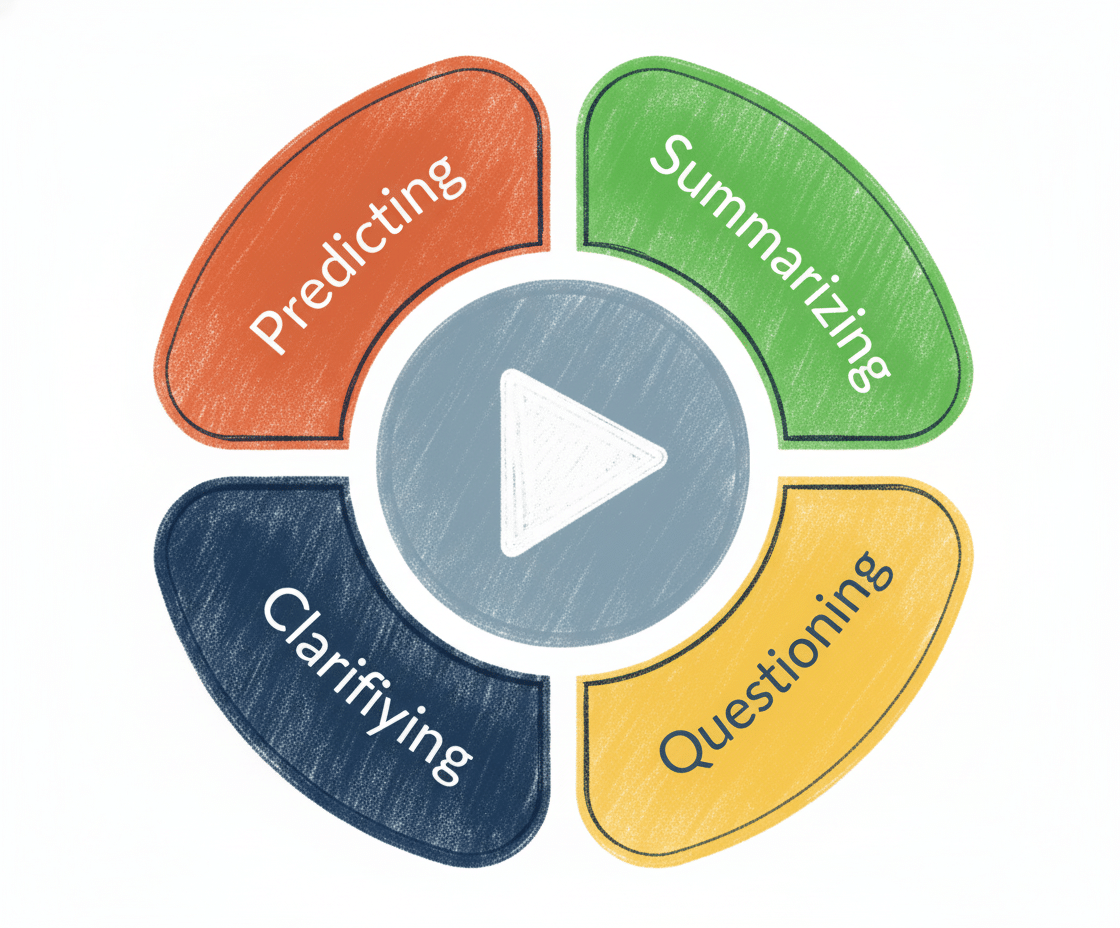
Reciprocal teaching, developed by Annemarie Palincsar and Anne Brown in the 1980s, is one of my favorite strategies for engaging students around videos and podcasts. This inclusive multimedia comprehension strategy requires small groups of four students to think critically and watch/listen actively.
Why Reciprocal Teaching Is Effective
Originally developed to improve reading comprehension and support students in unpacking complex texts, reciprocal teaching has been shown to produce substantial gains in student understanding. Palincsar and Brown’s research showed that reading achievement increased by 30-70% within weeks of consistent use. The power of reciprocal teaching lies in its ability to engage learners in predicting, questioning, clarifying, and summarizing, which are core strategies that proficient readers use to make sense of complex texts.
The same structure translates beautifully to multimedia. When applied to videos, podcasts, visual displays of data, and online texts, reciprocal teaching helps students engage more deeply with multimodal information. Not only does it strengthen comprehension, but it also builds community as students work collaboratively to make meaning.
How It Works:
- Assign roles in the group of four: summarizer, questioner, clarifier, and predictor. Provide role cards that explain what students in each role should do as they watch or listen, and include sentence stems to help them contribute meaningfully to the conversation.
- Tell them how frequently they should pause the video or audio to engage in discussion (e.g., every 2 minutes).
- After each chunk of video instruction, they need to engage in a conversation about the content using their comprehension lens as a guide.
- When students are confident using this strategy, they can rotate roles after each discussion to practice each role.
- Students continue this process until they finish the video or podcast.
Reciprocal teaching shifts video and other forms of media into an interactive, student-led experience that boosts comprehension, fosters collaboration, and cultivates a sense of shared responsibility for learning.
#2 Collaborative Sketchnotes with a Guiding Question
Collaborative sketchnoting is a creative, hands-on strategy that invites students to visually represent their ideas as they process new information together. It’s one of my favorite ways to keep students focused and engaged while watching a video or listening to a podcast, especially when the goal is to make thinking visible.
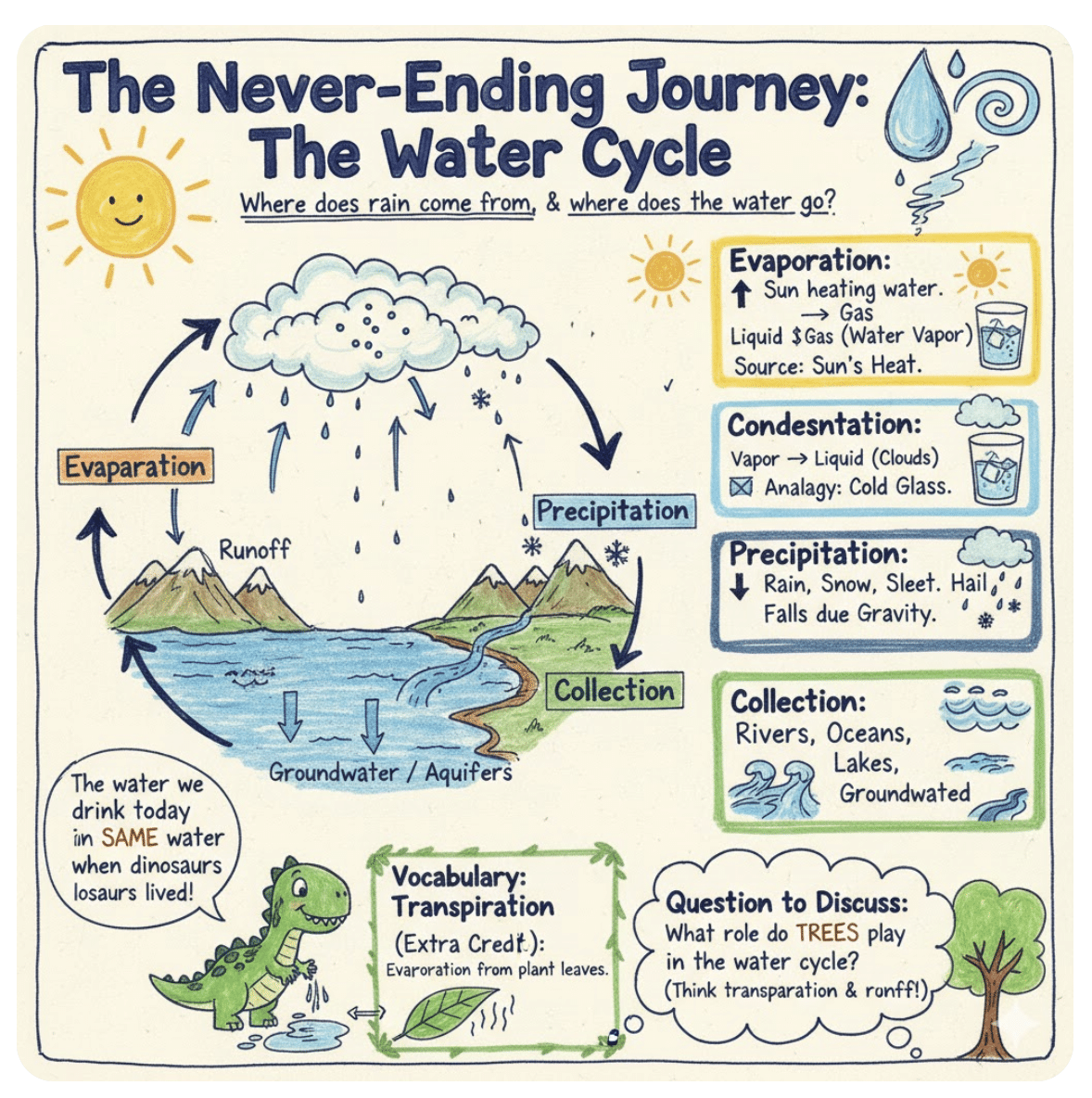
AI-generated Example
Why Collaborative Sketchnoting Is Effective
A visual note-taking strategy developed by Mike Rohde, sketchnoting, has been shown to improve recall, comprehension, and conceptual understanding. When students combine text, images, and symbols to record ideas, they activate both verbal and visual processing, which leads to deeper learning.
Adding a collaborative layer amplifies these benefits. When students share a single large sheet of paper or work on a shared digital canvas, they externalize their thinking and negotiate meaning in real time. As they listen or watch, they connect ideas, identify relationships, and build collective understanding around a central idea. They benefit from other students’ perspectives and thinking. This turns note-taking into an active, shared learning process that fosters creativity, enhances focus, and cultivates a sense of belonging.
How It Works:
- Craft a guiding question that will focus students’ attention while viewing or listening.
- What message is the speaker trying to communicate about X?
- What evidence supports the claim that X?
- How does the process of X unfold?
- What factors contributed to X?
- Provide each group with a sheet of butcher paper large enough for all group members to draw and write at the same time.
- Ask students to record key ideas, draw images or symbols, and capture golden lines (phrases or quotes that stand out) as they watch or listen.
- Remind students to pause the video or podcast at regular intervals (e.g., 3-5 minutes) to discuss the key points and expand their sketchnote. Encourage them to add arrows and visuals to connect ideas and show relationships between concepts.
- After the media ends, facilitate a gallery walk so groups can post their sketchnotes, view others’ work, and add comments or questions to extend the conversation.
Collaborative sketchnoting turns a video or podcast into a shared experience, helping students visualize ideas, co-construct meaning, and make learning visible together.
#3 Predication Checkpoints
Prediction checkpoints keep students mentally engaged while they watch or listen. Rather than passively absorbing information, students make predictions, then revisit and refine their thinking as new information is provided.
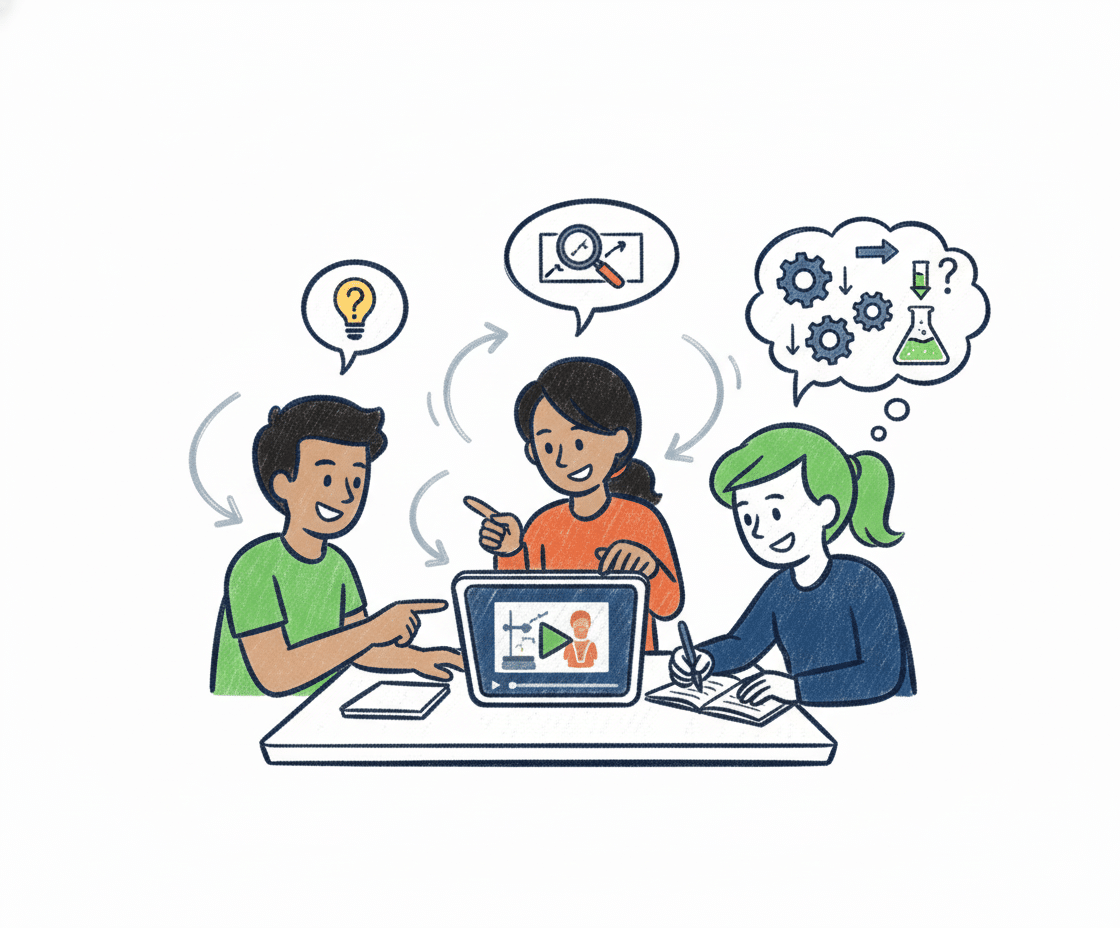
Why Prediction Checkpoints Is Effective
Research on active learning and retrieval practice shows that making and testing predictions enhances attention and long-term retention. When students anticipate what will happen next or how an argument will unfold, they engage deeper cognitive processes, like analyzing cause and effect, inferring the author’s intent, and evaluating evidence as it emerges.
This strategy also helps students develop their metacognitive muscles. As students make, check, and revise their predictions, they become more aware of how new information is shaping their understanding. When practiced collaboratively, the discussion helps students articulate their reasoning, challenge assumptions, and appreciate multiple perspectives.
How It Works:
- Present a big idea or pose an anchoring question for students to consider as they engage with the media.
- Before starting the video or podcast, have students record their initial prediction and a short justification.
- Ask students to play 2-3 minutes of the media, then pause so they can confirm, adjust, or challenge their predictions using new evidence.
- Encourage discussion as students share how their thinking has shifted or evolved.
- Repeat this cycle throughout the media to sustain attention and encourage critical thinking.
- Conclude with a short reflection that invites students to reflect on how their understanding changed as they engaged with the content.
Prediction checkpoints keep students engaged from start to finish, transforming viewing into an inquiry-driven process that builds curiosity, develops reasoning, and encourages flexibility in thinking.
#4 Collaborative Concept Maps
Collaborative concept maps invite students to visually organize ideas and identify relationships among key concepts presented in a video or podcast. This strategy supports a deeper understanding of processes, arguments, or systems.
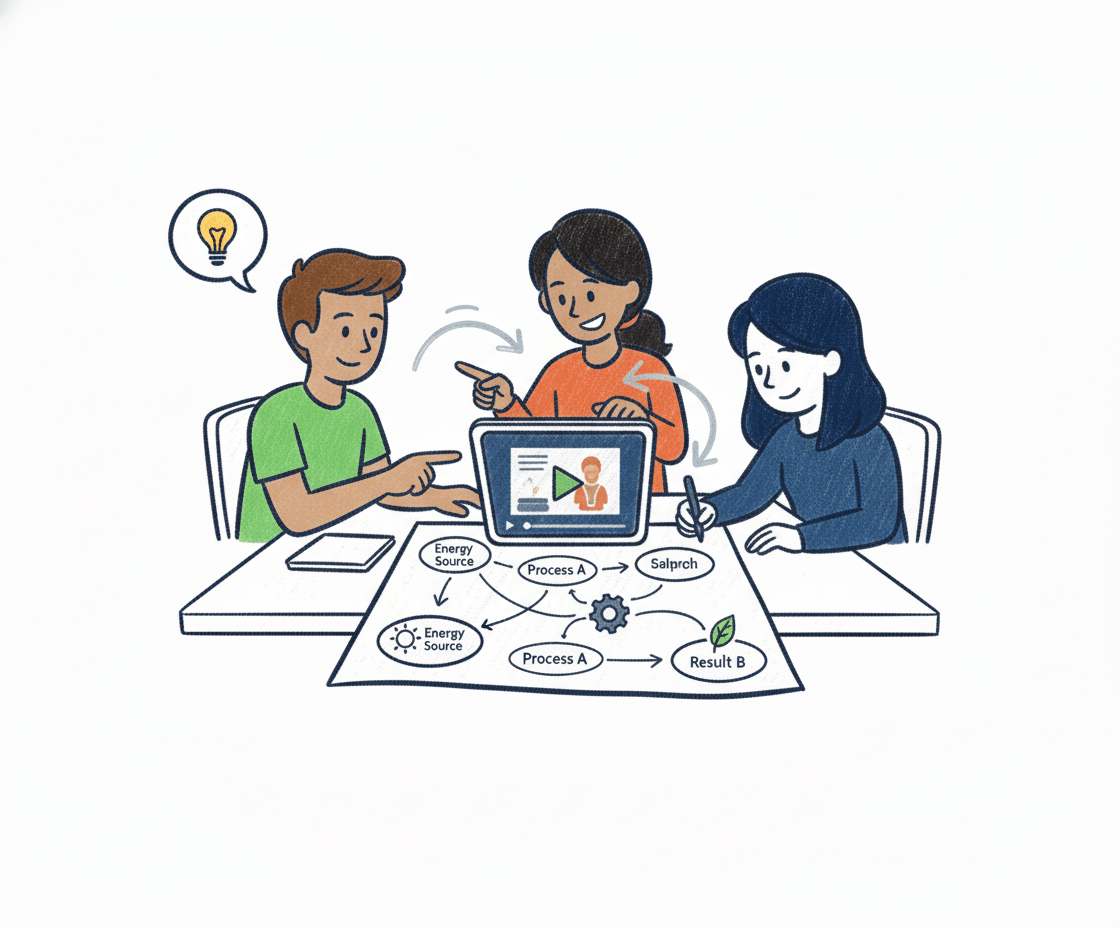
Why Collaborative Concept Maps Are Effective
Extensive research on concept mapping highlights its ability to promote meaningful learning by connecting new information to prior knowledge. Mapping ideas together makes abstract content more concrete and helps learners recognize patterns and hierarchies within complex material.
When done collaboratively, concept mapping also strengthens teamwork and verbal reasoning. Student negotiate how ideas fit together, justify links between concepts or parts of a process or system, and refine their collective understanding of the topic. For multilingual and visual learners, these maps offer alternative ways to express understanding.
How It Works:
- Provide each group with a blank concept map template (paper or digital) with the main topic at the center.
- Ask them to watch short segments of the video (e.g., 2-3 minutes), pausing to discuss and add key terms, details, visuals, or connecting phrases.
- Encourage groups to use arrows and linking words (e.g., leads to, results in, is caused by) to clarify relationships.
- Provide a list of discussion prompts for groups to use to guide the conversation during each pause.
- Where do these new ideas fit?
- How does this connect to what we already mapped?
- What is the relationship between these two ideas?
- After the video or podcast ends, have groups review and revise their maps to show the complete structure of their understanding. Use these to facilitate a gallery walk (virtual or in person) so they can view and comment on each other’s work.
Collaborative concept maps turn listening and viewing into an act of construction, helping students visualize relationships, clarify connections, and co-create meaning.
#5 Perspective Jigsaw
Perspective jigsaw invites students to explore a video, podcast, or other media through multiple analytical lenses before coming together to build a fuller, more nuanced understanding of the content. Each student assumes a specific lens—such as purpose, evidence, bias, or impact—and shares their insights to create a collective interpretation of the information.
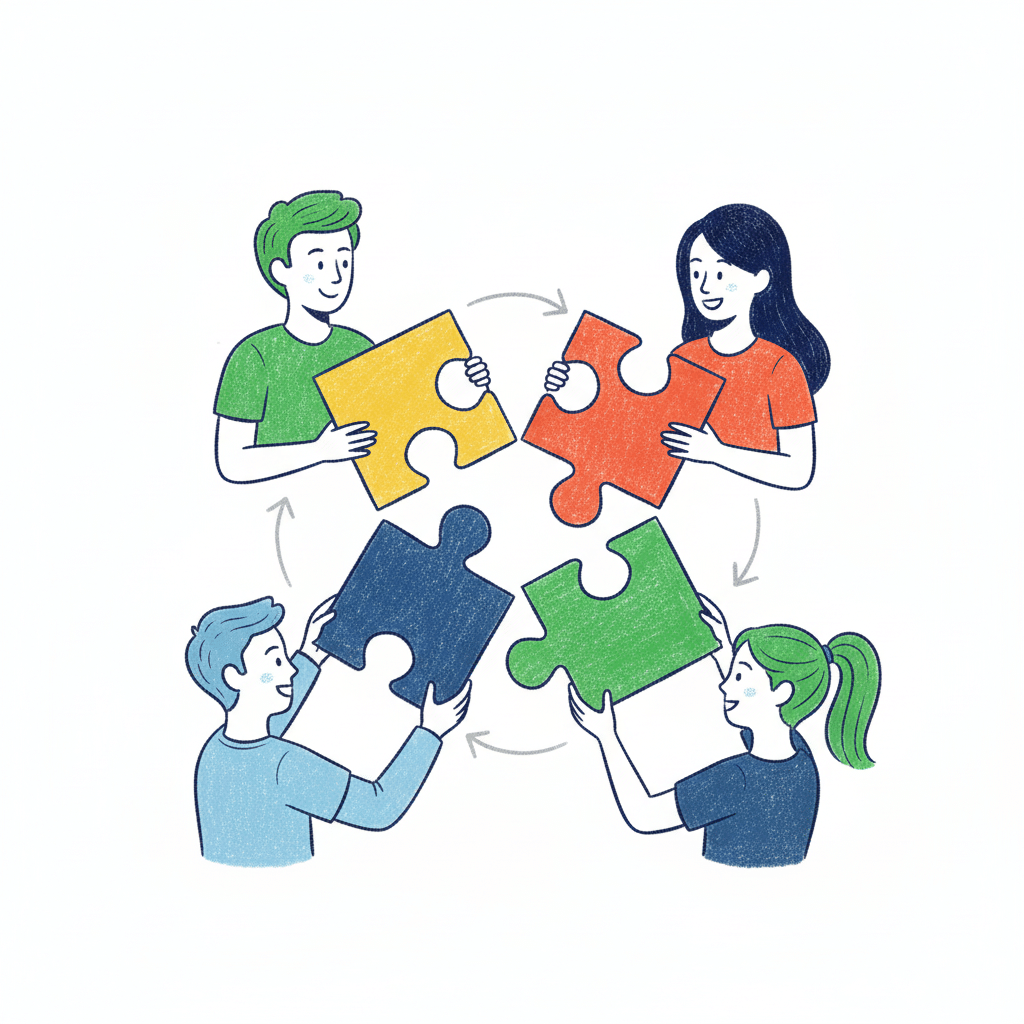
Why Perspective Jigsaw Is Effective
Research on the jigsaw strategy shows that distributing expertise among group members increases motivation, accountability, and comprehension. When students are assigned distinct lenses, they listen more intentionally and contribute their unique perspectives to the group discussion.
Examining media from multiple points of view—whether historical, scientific, mathematical, or artistic—requires students to evaluate information, recognize patterns, and reconcile different interpretations. When students reconvene to share and synthesize their ideas, they engage in higher-order thinking and collective meaning-making that mirrors real-world collaboration.
How It Works:
- Select 3-4 lenses that align with the video or podcast’s content or purpose.
- Assign each student in the group a lens and provide guiding questions to help them focus on using that lens to think about the content.
- Ask them to play the media in short segments, pausing the video or podcast every 2-3 minutes to take notes or capture their thinking in a format that works for them.
- After engaging with the media, the group members share their observations and thoughts. Then, they co-construct a short summary or visual representation that reflects their learning.
Examples of Lenses by Subject Area:
English Language Arts
- Author’s Purpose: What is the speaker or narrator trying to accomplish?
- Tone and Mood: How does word choice and pacing influence how the reader feels?
- Evidence and Reasoning: What examples or details support the main idea?
- Theme or Message: What is the larger truth or question this piece explores?
Science
- Cause and Effect: What processes or relationships explain the observed outcomes?
- Variable and Controls: What factors are being tested or manipulated?
- Evidence and Explanation: What data support the conclusion?
- Misconceptions: What common misunderstanding is being addressed or corrected?
Math
- Process and Sequence: What steps or operations does the teacher use to solve the problem?
- Connections: How does this concept connect to something we’ve already learned?
- Error Analysis: Where might someone make a mistake, and how can it be avoided?
- Representation: How is the concept modeled (e.g., visually, numerically)?
History and Social Studies
- Perspective: Whose voice or point of view is represented? Whose voice is missing?
- Cause and Consequence: What events or decisions led to this moment or outcome?
- Continuity and Change: What has stayed the same? What has evolved over time?
- Evidence and Interpretation: What sources or data does the speaker use to support their point?
Arts and Media
- Composition: How are visual elements arranged to convey meaning?
- Symbolism: What visual or auditory symbols communicate deeper ideas?
- Technique: How does the creator use tools or materials to achieve an effect?
- Audience Impact: What emotions or responses does this work evoke?
Perspective jigsaw turns a video or podcast into a collaborative act of analysis. Students move beyond basic comprehension to analyze, evaluate, and synthesize their ideas from multiple perspectives.
Shifting from Delivery to Discovery
When teachers design lessons that position students as active participants, the classroom dynamic shifts. Instructional videos and podcasts, which are easier than ever to create with AI tools like NotebookLM, can serve as springboards for conversation, collaboration, and community building. These strategies require students to do the heavy cognitive lift and make meaning with their peers, using one another as valuable resources in the learning process.
As students engage in this kind of collaborative work, the teacher is free to move around the room, listen to the discussions, and identify students who may need more support. This structure also creates the time and space to pull small groups for targeted instruction, work with multilingual learners who may need more scaffolded instruction, or provide Tier 2 support for students who are struggling with concepts or skills.
Strategically using media to deliver some Tier 1 instruction supports a broader shift from teacher-led information delivery to student-led learning. When students share the responsibility for learning and use one another to construct meaning, they build content knowledge and develop critical skills that will serve them long after they leave our classrooms.
2 Responses
I completely agree with your thoughts on videos and how they can be utilized within a normal classroom. I have been using a website called Edpuzzle the past few years which is an amazing resource that takes a youtube video or a video you provide and allows you to include questions embedded into the video as a way to assess student understanding as they are watching the video. I have used this resource in a lot of different ways, to introduce a new topic, as enrichment for students who finish early, as a post lesson assessment or exit ticket, and others. I am a fairly new teacher and I remember when I told a co-teacher about Edpuzzle they seemed confused as to how it could be helpful. After some talk, I convinced them to try it out and they loved it as well. I agree with you that a video by itself is not enough, we as educators still need to put in the effort to make them engaging and more informative.
Thank you for the comment, Austin! Thanks for the comment, Austin. Edpuzzle is such a helpful way to spark engagement around video content. I also appreciate that teachers who want a more collaborative experience can add pauses that prompt groups to stop and talk through the key ideas together.
Best,
Catlin