

Related Podcast
Co-authored by Catlin Tucker and Robert Mayfield
In Part 1 of this two-part series, Robert identified a challenge facing most teachers: they spend significant time on necessary but shallow tasks. In Part 2, Robert and I want to highlight how many of these tasks can be streamlined using AI. The goal is to help teachers reclaim their time for deep work that improves learning. When used well, AI can free teachers to invest more time in instructional design, analysis of student work, and reflection on their practice.
Teaching Tasks That AI Can Streamline
Below are examples of how teachers can leverage AI to complete certain teaching tasks, creating more space for deep work.
Slide Decks & Teaching Resources
A large portion of teacher time is spent preparing materials. For example, teachers invest time creating and formatting slides for presentations, adjusting wording, and finding media to bring concepts to life. The work is necessary to create engaging instruction, but the time investment does not always yield deeper thinking for teachers or students.
There are several AI tools that can create multimedia slide decks from source material, like articles, online sources, and texts. Teachers can use any of the AI tools below to convert resources or text into slide decks in minutes:
Student-Facing Directions
Writing clear directions to support self-directed learning or collaborative student-led tasks is time-consuming. In fact, one of the challenges teachers encounter when shifting from whole-group lessons to models like station rotation or playlist is the time required to write directions for each task. AI can make writing specific step-by-step directions quick and easy.
Teachers can:
- Save time with voice-to-text. The voice-to-text feature in an AI chatbot allows users to verbally walk through the steps of an activity or task. The AI will do the hard work of organizing the steps into easy-to-follow instructions for students. Teachers can also ask the AI to format it as bullet points and review the language to ensure it is accessible to a particular grade level or group of students.
- Create visual directions. Gemini or NotebookLM can turn step-by-step instructions into a visual infographic for young students or multilingual learners who may benefit from visual directions.
Question Design
Asking questions is an essential strategy teachers use to encourage students to think deeply and spark discussion in a classroom. If teachers do not spend time crafting questions prior to a lesson, they may end up generating them in real time. As a result, most of the questions teachers ask fall into Webb’s Depth of Knowledge level one (recall/reproduce) and two (begin processing concepts and skills—compare, classify, explain relationships, or interpret).
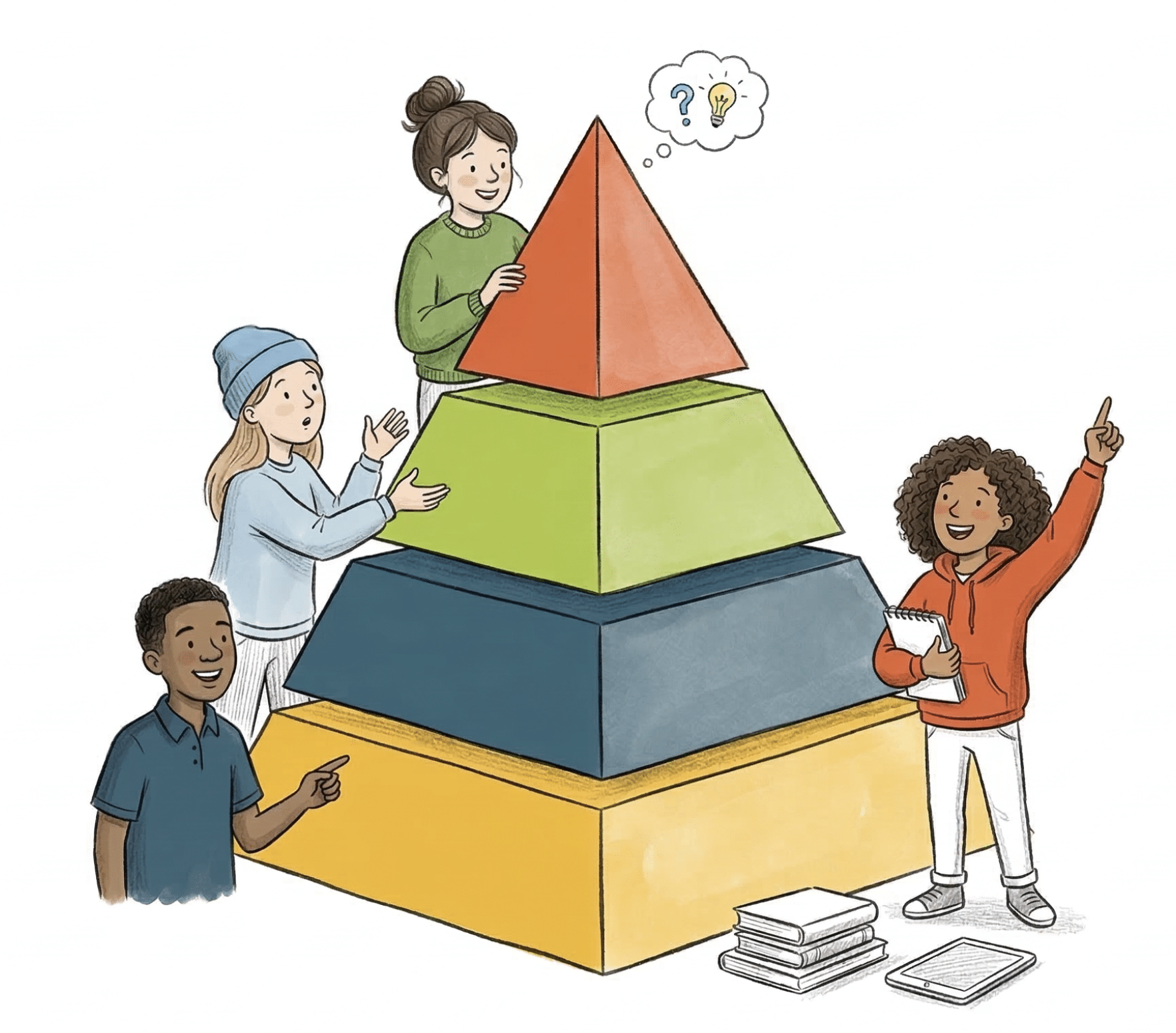
Generating questions is cognitively challenging. Instead of mentally wrestling with this task at the end of a long day, teachers can leverage AI before a lesson to generate DOK questions at various levels related to concepts, processes, issues, and phenomena.
Teachers can use:
- An AI-chatbot of their choice, providing the AI with the necessary context (e.g., grade-level and standards)
- MagicSchool’s DOK generator
Review and Practice
Review and practice are critical to moving new learning into long-term memory. The more students are asked to retrieve information from memory, the easier it will be for them to locate and use it in the future. In their book, Powerful Teaching: Unleash the Science of Learning, Pooja K. Agarwal and Patrice M. Bain compare this process to finding a file in a filing cabinet. The more time you spend locating a specific file, pulling it out, and using its contents, the easier it will be to find in the future.
Often, review and practice are limited to worksheets that students complete in class or for homework. Not only do those review activities and worksheets take time to prepare, but teachers also invest time grading them.
AI can streamline the creation of review and practice activities and provide students with feedback as they work. AI tools can also provide more flexibility in the way students demonstrate their understanding (speaking, writing, drawing), as well as provide support as they work with embedded coach-like features.
Below are tools teachers can use to transform how students review.
- NotebookLM: Teachers upload unit content or assessments and quickly create customized study supports, such as short podcast-style summaries, visual infographics, mind maps, and focused flashcards aligned with key concepts.
- SchoolAI: Teachers design customized “Spaces,” essentially AI-powered chatbots tailored to their students’ needs. Within a Space, teachers can include a range of review questions and tasks, which students can choose from to review at their own pace. As students practice, the Space adapts in real time, guiding students through the review process based on their needs. The teacher stays in the loop with live insights based on student responses, allowing them to quickly identify gaps and provide support during, not after, the review.
- Snorkl: Teachers design questions that allow students to demonstrate understanding through multiple modalities in real time. The Whiteboard Recording feature requires students to verbally explain their thinking as they work through a task. They receive immediate feedback and can revise on the spot. Teachers monitor their students’ responses in real time and can provide just-in-time support to those who need it most.
Feedback
Feedback is how students feel seen and supported as they learn. It is most effective when it is focused, specific, timely, and actionable. Before AI, the challenge was finding time to provide the necessary feedback to support students as they worked. Too often, feedback comes at the end of the process as a justification for a grade. Instead, the most valuable time to receive feedback is when students can use it to improve their work.
This is not to say that we encourage teachers to offload all feedback to AI systems. Feedback is a critical way for teachers to gather formative data and adjust support accordingly. But with the support of an AI tool, feedback can become a more sustainable, regular part of our students’ experience.
These tools can be leveraged in a way that keeps the teacher at the core of the process:
- Class Companion: Instead of collecting and grading finished drafts, teachers design writing tasks that provide students with immediate, rubric-aligned feedback as they write. Students revise in real time, often multiple times, before submitting anything final. This reduces the need for extensive, after-the-fact grading while allowing teachers to focus on patterns in student writing and provide targeted support where it matters most.
- Short Answer: This gamified platform builds energy into the writing process by having students read, compare, and evaluate responses before revising their own work. Whether students are working through shorter, high-frequency writing tasks or more extended responses, the experience remains fun and engaging. Writing becomes something students actively improve, not just submit. Instead of grading every response, teachers guide thinking and step in to support deeper learning.
Generating Lessons
Teachers spend a significant amount of time planning, adapting, and redesigning lessons to meet the diverse needs of different groups of students. That work is essential, but it is draining. However, AI lessons are not always high-quality.
Many lesson-generation tools simply recreate the same teacher-centered, one-size-fits-all lessons we’ve been using for years. A teacher enters a prompt, a lesson appears, and it’s easy to use it as-is with little reflection. In many ways, these tools function like an AI version of Teachers Pay Teachers, lessons created by someone (or something) other than the teacher actually using them. As a result, they may not meet student needs. When used this way, AI speeds up planning but replaces deep thinking with shallow work.
With support from AI, teachers now have the opportunity to move beyond isolated lessons and design cohesive learning experiences built around clear goals, strong instructional strategies, and student variability. Tools like Curriculum Genie support that shift by giving teachers a starting point they can think with, not copy from.
- Designing cohesive units instead of disconnected lessons: Teachers begin by defining the unit, selecting standards, identifying grade level, and setting a timeline. From there, Curriculum Genie creates a unit overview that outlines major themes and concepts, giving teachers a structured starting point to refine and adapt.
- Building consistency through proven instructional strategies: Curriculum Genie intentionally incorporates student-centered frameworks, like EduProtocols, and utilizes different instructional approaches, like the station rotation model. Instead of defaulting to whole-group, one-size-fits-all instruction, teachers can plan for small-group learning and meaningful student interaction from the start.
- Planning for learner variability, not the “average” student: Lessons and units include built-in scaffolds for multilingual learners and students with disabilities to increase access and inclusion. Teachers can adjust depth of knowledge, embed formative assessments, and differentiate tasks without redesigning everything from scratch.
- Shifting from lesson creation to lesson refinement: Instead of starting over every day, teachers work within a cohesive unit structure, making adjustments based on student needs, pacing, and understanding. Planning becomes iterative instead of reactive.
Emails & Family Communication
Communicating with colleagues, students, and families is a necessary but time-intensive part of our work. When teachers have 30 to 160 students, that’s a lot of emails, updates, reminders, and responses to manage on a daily basis. This communication is critical to building relationships and supporting students, but it can be overwhelming and distract from other tasks.

AI can help teachers streamline communication by drafting messages, adjusting tone, translating content, and personalizing outreach. Teachers can use:
- An AI chatbot—Gemini, ChatGPT, Copilot, or Claude—to generate emails quickly from a collection of bullet points or a quick voice-to-text explanation of the information teachers want to include in the email. The chatbot can also create reusable email templates for quick communication or translate communication into a student’s home language.
- MagicSchool’s email family, email responder, professional email tools, or class newsletter tools.
Teacher as Evaluator of Output
As wonderful as AI tools can be at streamlining our workflows so we can shift time and energy to more meaningful work, teachers must be critical consumers of the resources AI produces. Teachers must spend time evaluating the output, whether it is a collection of DOK questions or a family newsletter.
Just as we want to help students use AI strategically and responsibly by analyzing outputs for accuracy, bias, and relevance, we must do the same. When using AI to create anything, we must pause and consider the following questions.
- Is this aligned with my standards and learning goals?
- Will my students be able to access this? What assumptions does this make about their background knowledge, language, or skills?
- Is this clear and usable for students or families?
- What needs to be adjusted or differentiated? Who might need more support or challenge?
- Does this sound like me and reflect my classroom values?
- What’s missing? What would make this more effective, engaging, or meaningful?
Our AI Toolkits
With so many tools available, it’s easy to feel overwhelmed. We encourage teachers to start small. Choose one tool that solves a real problem in your workflow and helps you win back time without sacrificing student learning. Over time, you can build a focused toolkit with clear purposes for each tool.
In our work with teachers, we rely on a small set of AI tools with clear, distinct purposes. If you’re just getting started, choose one that addresses a real need in your workflow or supports your students in a specific way.
- NotebookLM for creating multimedia resources
- Snorkl for multi-modal formative assessment
- SchoolAI for personalized learning Spaces
- Class Companion for feedback on longer writing
- Short Answer for peer-to-peer, gamified writing
- Curriculum Genie for unit planning
With fewer tools that focus on specific areas of need, teachers can build confidence, use them more consistently, and spend less time managing technology and more time supporting students.
2 Responses
Thank you Catlin and Robert for the two-part podcast. I just listened to both on my morning walk and was so encouraged. I’m a fourth grade teacher in California’s Central Valley and this past school year, I had started to implement many of the things you both mentioned. I am so very thankful to have found you both and to be challenged to continue to make my students’ learning engaging through using AI to promote deeper thinking and reasoning. I am looking forward to adding to my AI toolkit and creating new things for my students next school year. Thank you!
You’re so welcome, Tammy! I am thrilled you enjoyed the podcast episodes I recorded with Robert. I know AI can be daunting for educators, so it is wonderful to hear you left the conversation feeling encouraged and excited to add to your AI toolkit.
I appreciate you taking the time to leave a comment!
Best,
Catlin